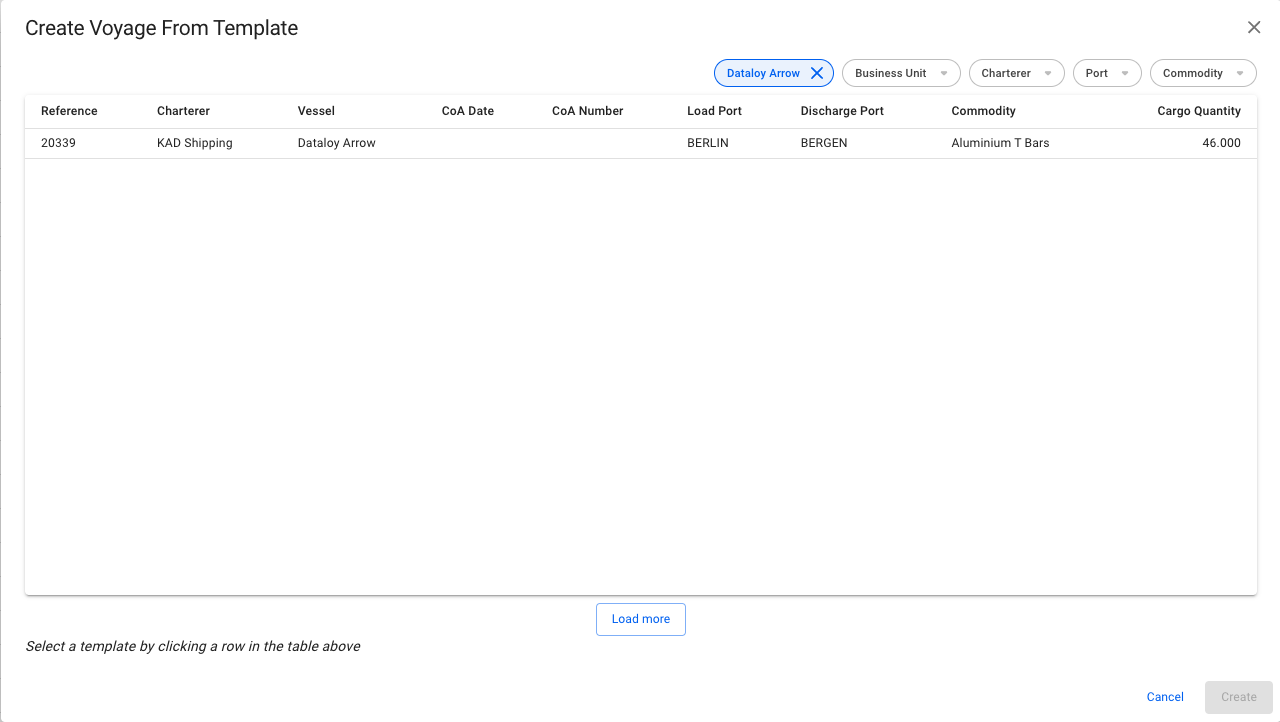
Modal for Creating a Voyage from a CoA Template
 .
3. Select **Create Voyage From Template**.
4. In the modal, you can apply various filters to narrow down the selection. Clicking a CoA template voyage selects it. The new voyage will inherit the values from the template displayed in the modal, as well as the Company and Business Unit of the template.
5. Click **Create**.
.
3. Select **Create Voyage From Template**.
4. In the modal, you can apply various filters to narrow down the selection. Clicking a CoA template voyage selects it. The new voyage will inherit the values from the template displayed in the modal, as well as the Company and Business Unit of the template.
5. Click **Create**.
Modal for Creating a Voyage from a CoA Template