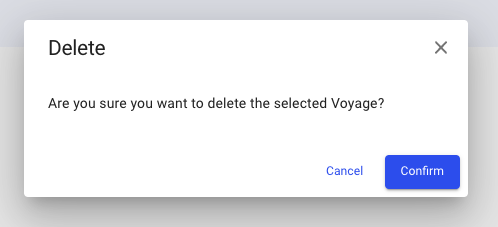
Plain delete modal with no alerts due there not being any connected offhires or cargoes.
 .
4. Click **Confirm** to delete the voyage.
Voyages can be connected to Cargoes and/or Offhires, as well as scheduled voyages if the voyage is a template.
When attempting to delete a **template voyage** that has scheduled voyages either at the Nominated or later stages, an error message will show instead.
The delete-voyage modal will look differently depending on whether it has connected entities:
* **No connections:**
.
4. Click **Confirm** to delete the voyage.
Voyages can be connected to Cargoes and/or Offhires, as well as scheduled voyages if the voyage is a template.
When attempting to delete a **template voyage** that has scheduled voyages either at the Nominated or later stages, an error message will show instead.
The delete-voyage modal will look differently depending on whether it has connected entities:
* **No connections:**
Plain delete modal with no alerts due there not being any connected offhires or cargoes.
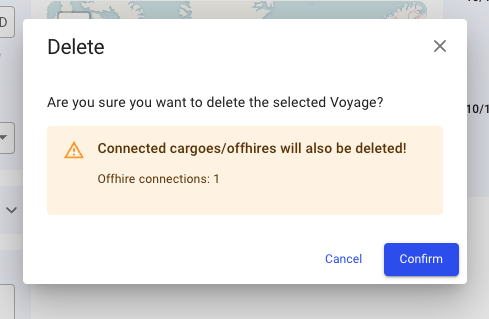
Alert showing that an offhire is connected and will be deleted.
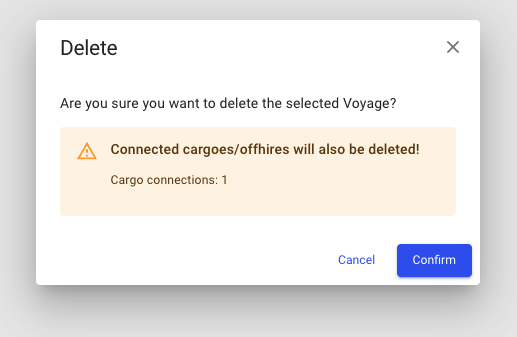
Alert showing that an cargo is connected and will be deleted.
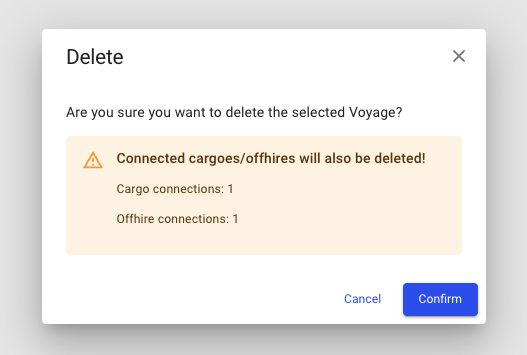
Alert showing that an offhire and a cargo is connected and will be deleted.