# Commodities
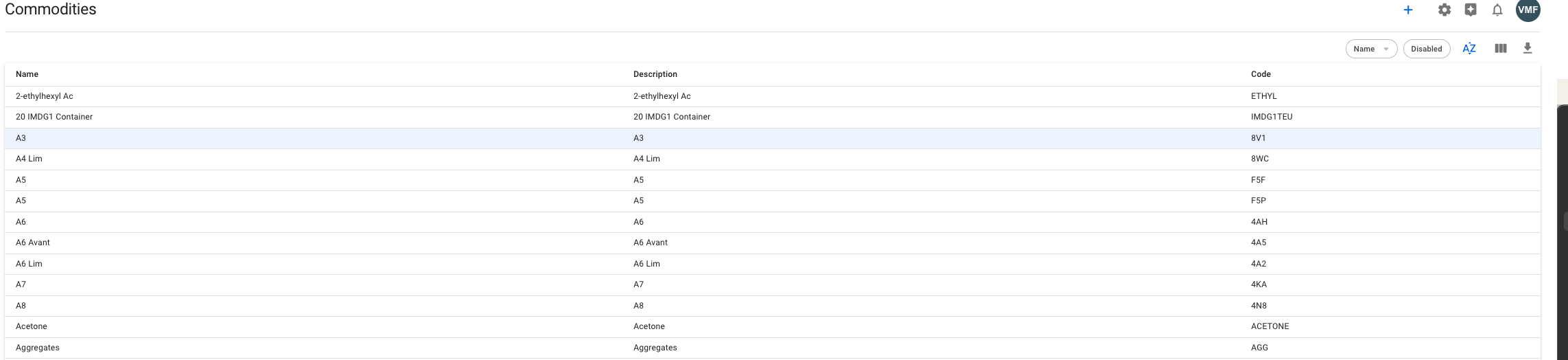
The Commodity Module provides an overview of available Commodities and their properties.
### Commodities List
In this list you are able to view fields, such as *Name, description* and *Code*
Commodities List
### Create a Commodity
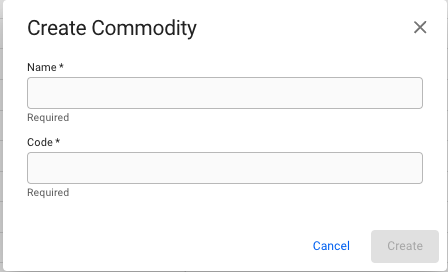
In the -action at the top-most left side of this view, you are able to create a new Commodity using this modal (the \* are the required fields):
Creat Commodity Modal
### Edit a Commodity
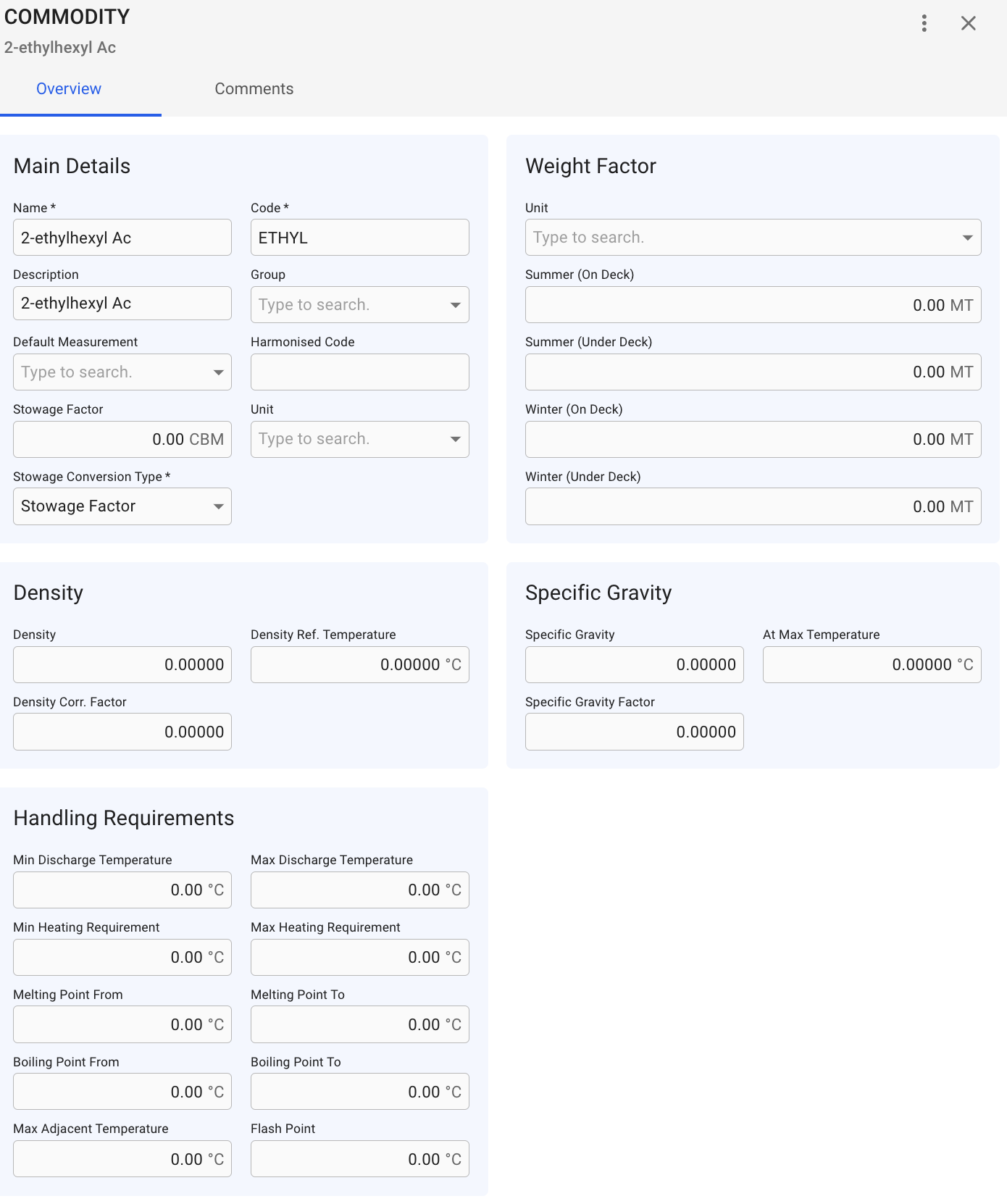
By clicking one one of the commodities on the rows, you open up a Commodity drawer:
Commodity Drawer
Here you are able to edit the main details of the commodity (all \* fields are required)
 -action at the top-most left side of this view, you are able to create a new Commodity using this modal (the \* are the required fields):