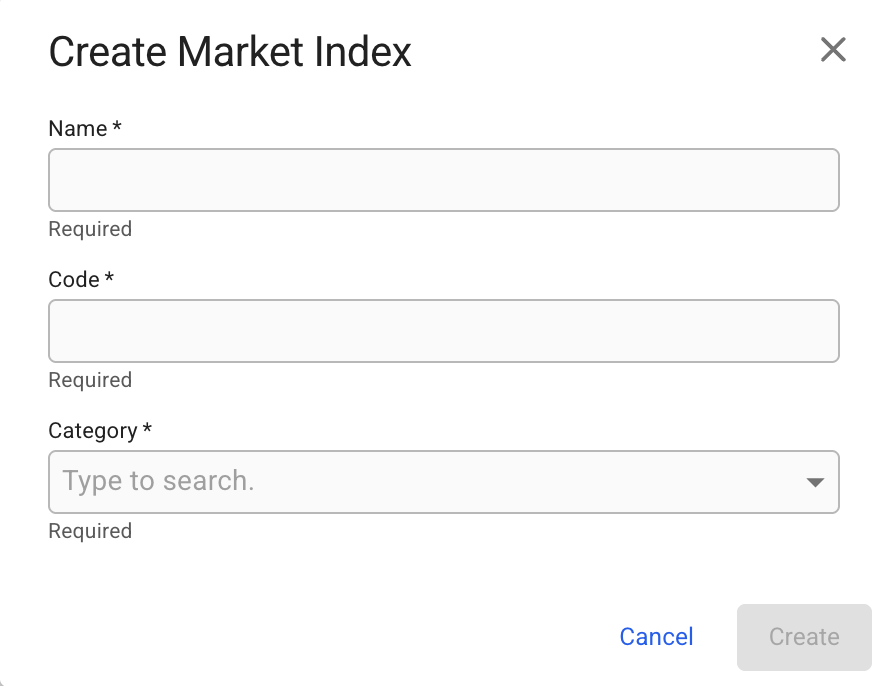
Create Market Index modal
 **Market Indices** list from the menu on the left.
## Create a Market Index
1. From the **Market Indices** list, navigate to the top-right
2. In this corner, click the
**Market Indices** list from the menu on the left.
## Create a Market Index
1. From the **Market Indices** list, navigate to the top-right
2. In this corner, click the  -icon
3. Select **Create Market Index**
4. In the modal, you can fill in the required fields and add any additional information about the Market Index
5. After you have filled in, you can click **Create**
-icon
3. Select **Create Market Index**
4. In the modal, you can fill in the required fields and add any additional information about the Market Index
5. After you have filled in, you can click **Create**
Create Market Index modal