# Find Scenario
### Scenarios List
Navigate to the 'Scenarios' menu group to the left under the "Planning" module to find the list of scenarios. Here we have a list of all existing scenario, except for the MASTER scenario (which you cannot edit). The list contains these columns:
Scenarios List Table Headers
Here, you can easily navigate through the scenario named, number of vessels and voyages in the scenario and the type of scenario, and click on the desired scenario to open the drawer.
### Scenario Types
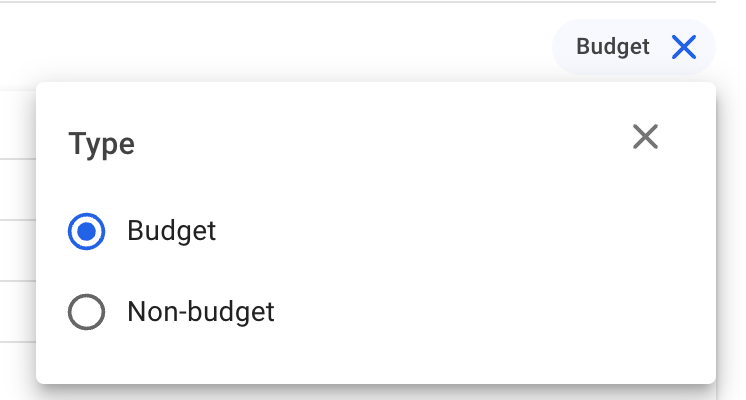
This list of scenarios includes both the types *budget* and *non-budget* scenarios. To effectively list the desired type of scenarios, you can **filter** the list based on the type you want to see, with the quick filter 'Type' found above the list:
Scenario Type filter, with the 'Budget' type selected in this case
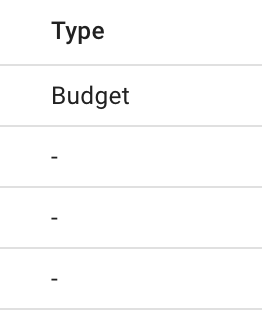
In the *Type* column, you will immediately be able to detect whether a scenario is of type budget or a non-budget (' - '):