Open the Budgets module in the Planning section.
By using the list of budget voyages that opens from the Budgeted Voyages tab in the Budgets module, you can use the quick to find the template voyage you are looking for:
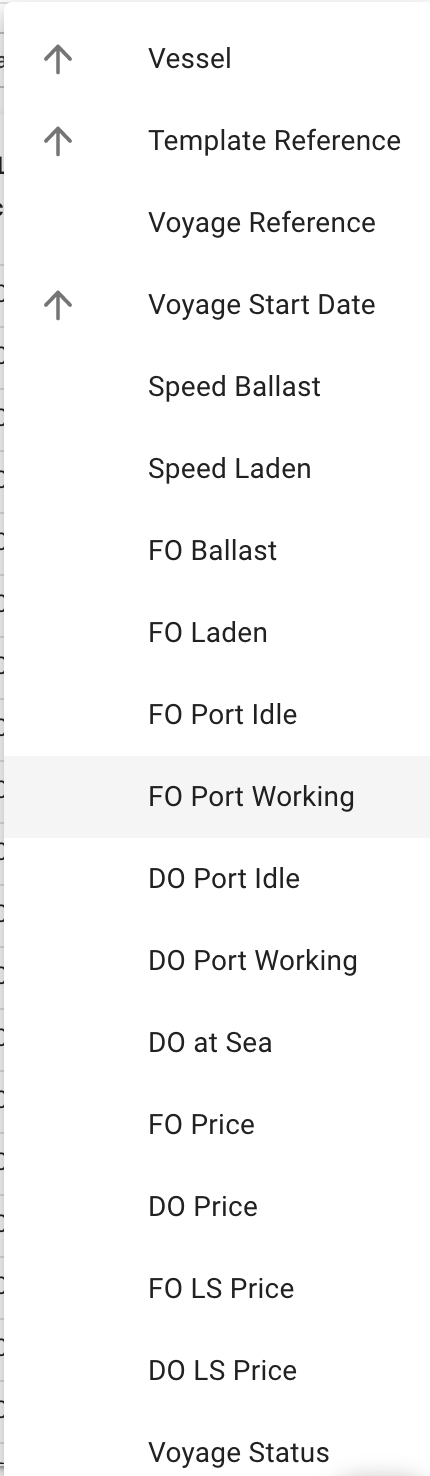
By using one of these sorting options
After selecting a template voyage, navigate to the .
At the top of the list with budgeted voyages, if you have the required permission (Voyage Contributor Role), a "Bulk Update" button is available:
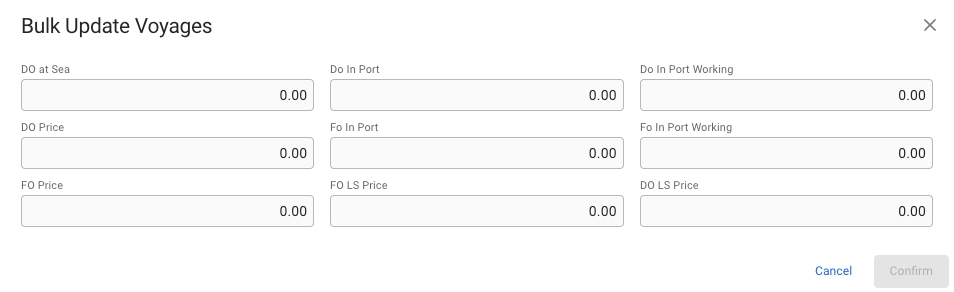
Clicking the button will change the list to be selectable, where the desired voyages can be selected for bulk updating. After selecting, press the update button below the filters to open a modal with available fields to bulk update:
Budgeted Voyages can be located from the tab in the Budgets module.
Find Budgeted VoyagesBulk Updating Budgeted Voyages