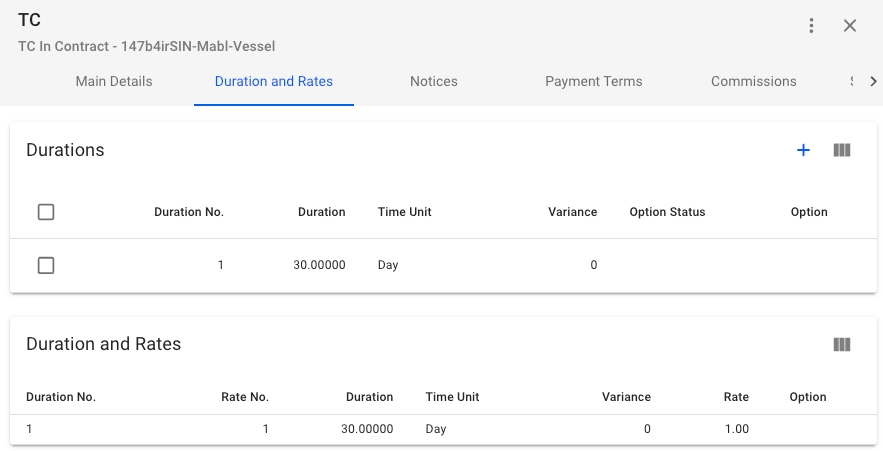
In the Durations and Rates tab you will see 2 Sections;
Durations, includes create-button and a list of the durations on the Time Charter Contract.
Duration and Rates, includes a list of the Rates along with the connected Duration on the Time Charter Contract.
In the Durations Section you by clicking the -icon in the top right of the Section and click on any of the durations to edit or delete them.

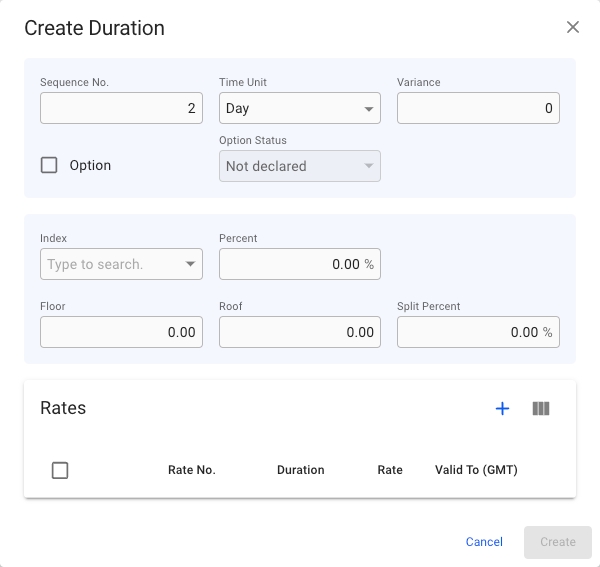
When creating a Duration you can enter Duration information in the fields and at the bottom you can see the current Rates on the Duration.
Create requirements: At least one Rate added.
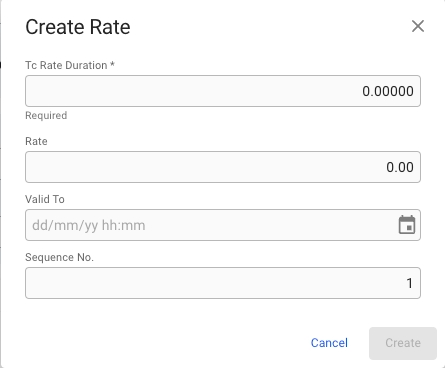
If you want to add Rates to the Duration you can click the -icon in the upper right of the Rates Section to create a Rate on the Duration. This will open up a new Create Rate modal.
Create requirements: Tc Rate Duration
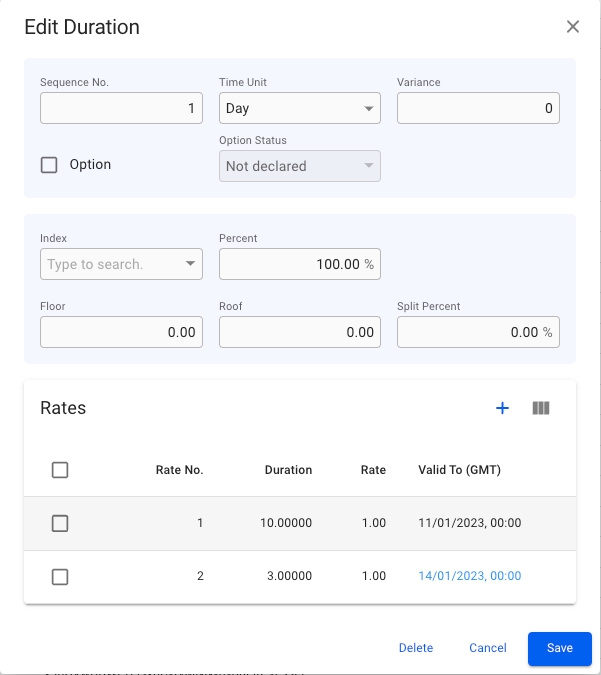
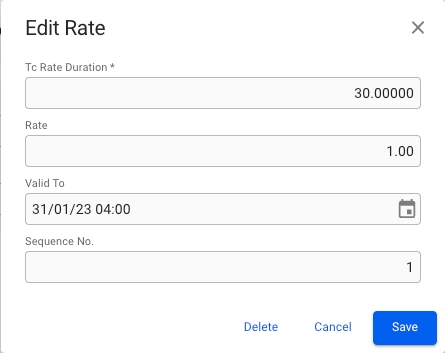
After creating a Duration or a Rate you can click on the row in their respective lists to open their edit modals.