Open the Roles module in the Setup section
Click Create Security Rolein the top right corner.
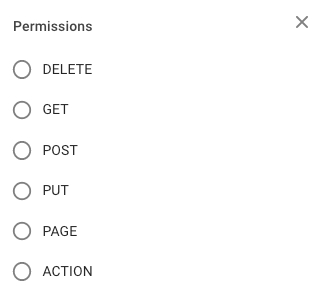
Fill in the security role name, and select the wanted permissions from the tree.
Click Create.
Within the modal you can find quick filters to easier navigate the tree.
When you have located a Security Role, click it and the details will show in a drawer on the right hand side. Details can be maintained directly in the fields/tree.
By clicking the primary action icon it is possible to make a copy of the selected security role, a modal will open where you enter the name of the copy.
By clicking the secondary actions icon (icon = 3 dots) additional actions may be possible.
Edit Security Role Name
Delete Security Role
Depending on your access permissions the list of Security Roles might not be visible.
Open the Roles module in the Setup section
There are several sorting and filtering options available for you to narrow down what you include in the list view.