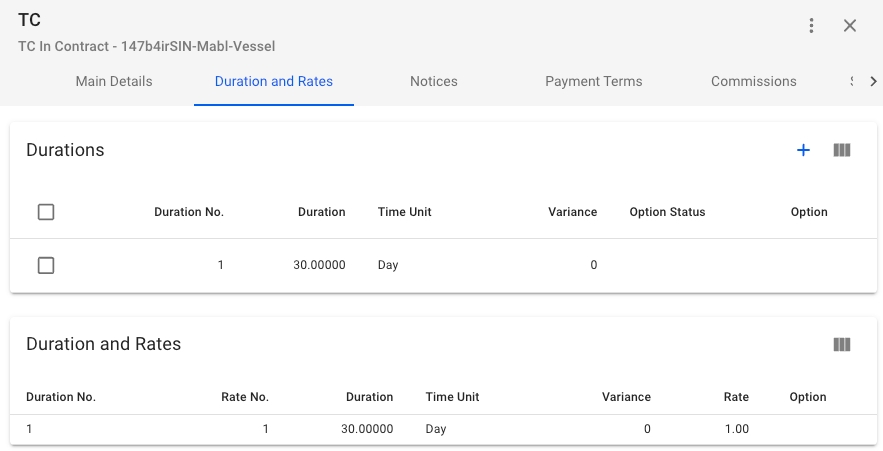
In the Durations and Rates tab you will see 2 Sections;
Durations, includes create-button and a list of the durations on the Time Charter Contract.
Duration and Rates, includes a list of the Rates along with the connected Duration on the Time Charter Contract.
In the Durations Section you by clicking the -icon in the top right of the Section and click on any of the durations to edit or delete them.
The details of a Time Charter Contract can be edited and viewed in CharteringTime Charter Contracts module. You can use the different filters in the table of Time Charter Contracts to find the Time Charter Contract you're seeking.
Sections are used to show the most important information about a sub-item of the Time Charter Contract. Some fields have an Openbutton to open a drawer with more information about the selected item.
The Main Details tab that is shown by default when opening a Time Charter Contract has 3 sections where you can edit information on the Time Charter Contract.
Sections:
Main Terms
Delivery Terms
Redelivery Terms


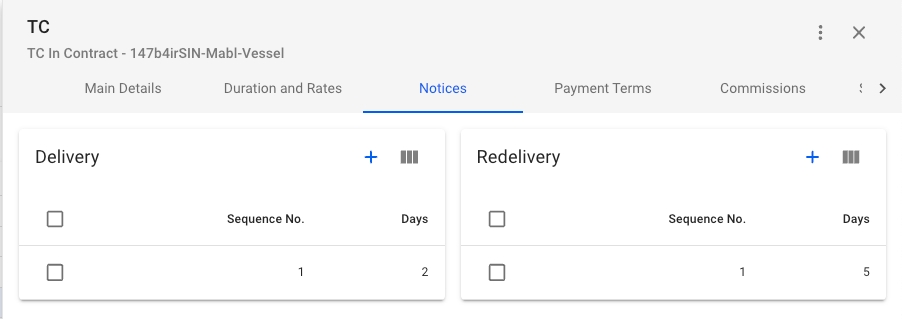
In this tab you can add Delivery and Redelivery notices.
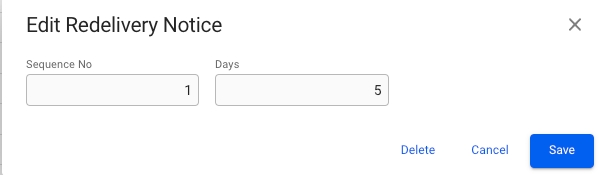
By clicking the -icon in either of the sections you can create notices. By clicking on the notices in the Delivery or Redelivery lists in the Sections you can edit and delete notices.
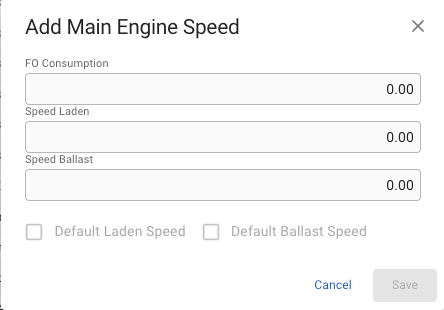
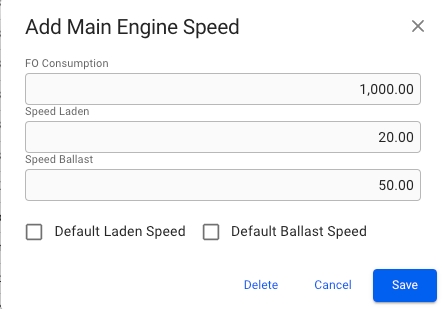
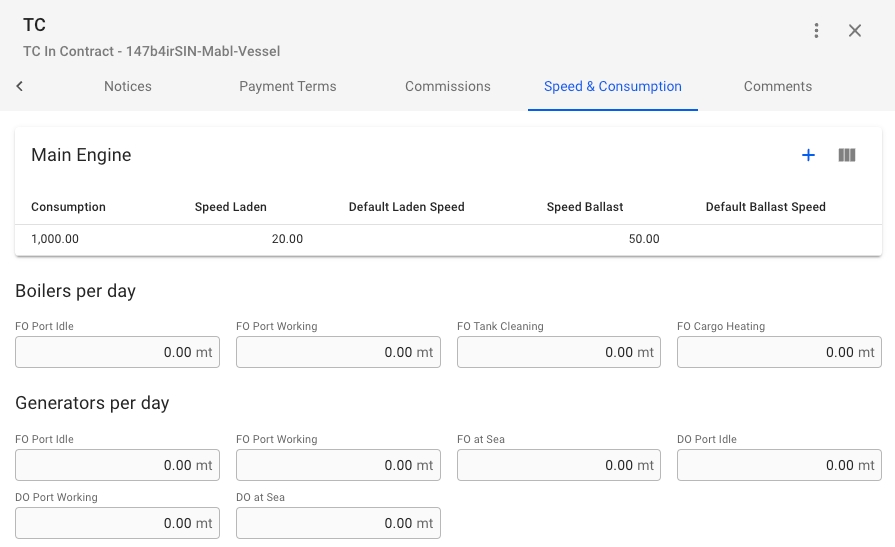
In this tab you can add Main Engine Speed by clicking the -icon in the upper right corner of the Main Engine Section.
By clicking a Speed in the list of speeds in the Main Engine Section you will open the Edit modal.
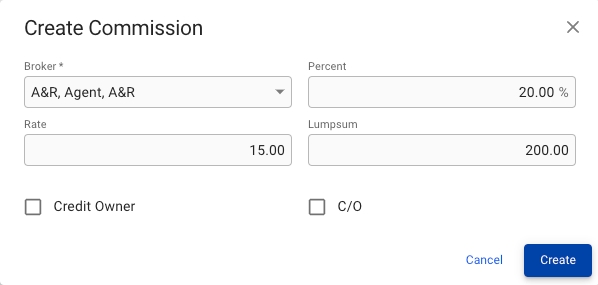
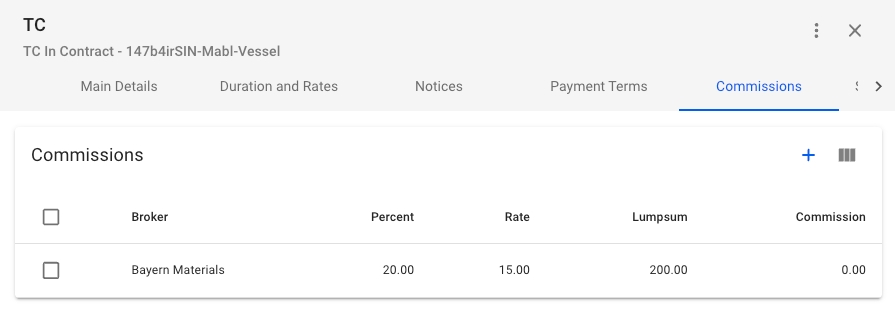
In the Comissions tab you can view, create, edit and delete Comissions.
By clicking the -icon in the upper right corner of the Section you can create new Comissions.
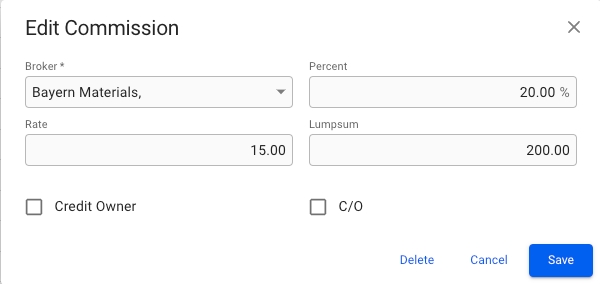
By clicking on a Comission in the list you can edit the Comission.
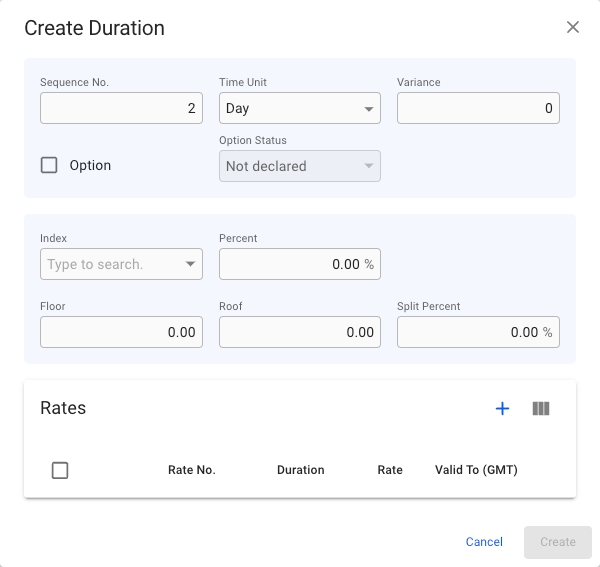
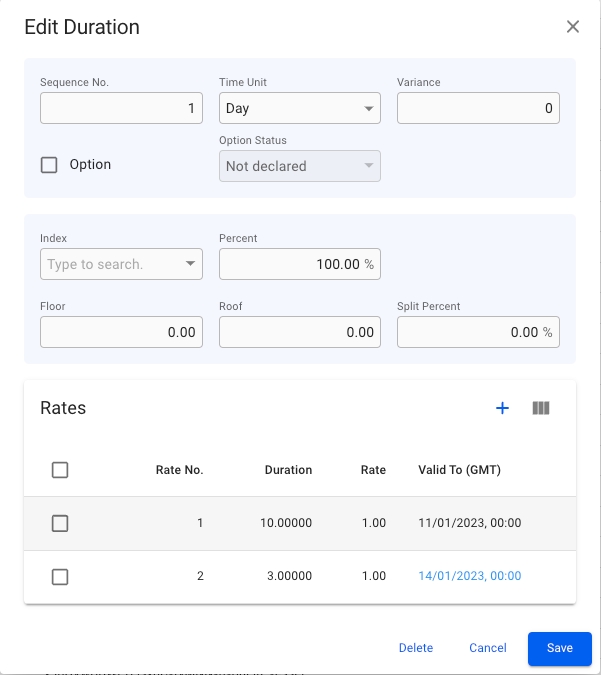
When creating a Duration you can enter Duration information in the fields and at the bottom you can see the current Rates on the Duration.
Create requirements: At least one Rate added.
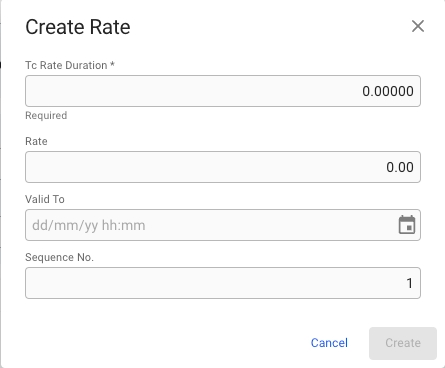
If you want to add Rates to the Duration you can click the -icon in the upper right of the Rates Section to create a Rate on the Duration. This will open up a new Create Rate modal.
Create requirements: Tc Rate Duration
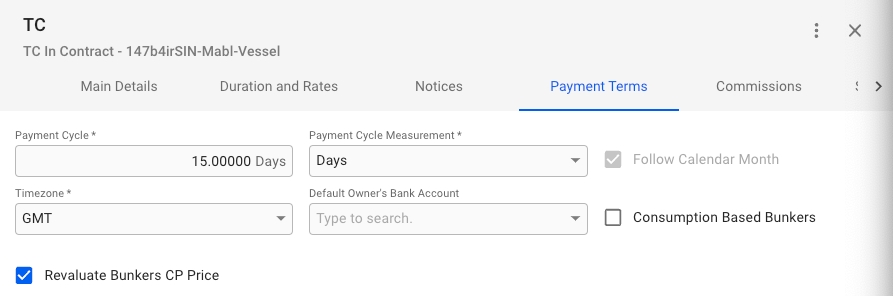
In the Payment Terms tab you edit and enter Payment information on the TC.
Required fields:
Payment Cycle
Payment Cycle Measurement
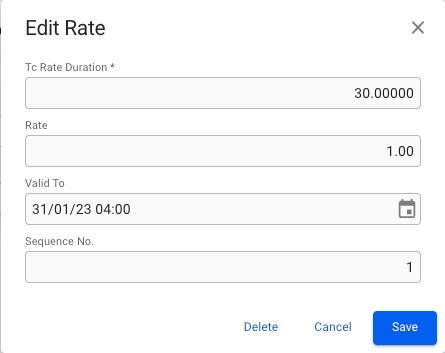
After creating a Duration or a Rate you can click on the row in their respective lists to open their edit modals.